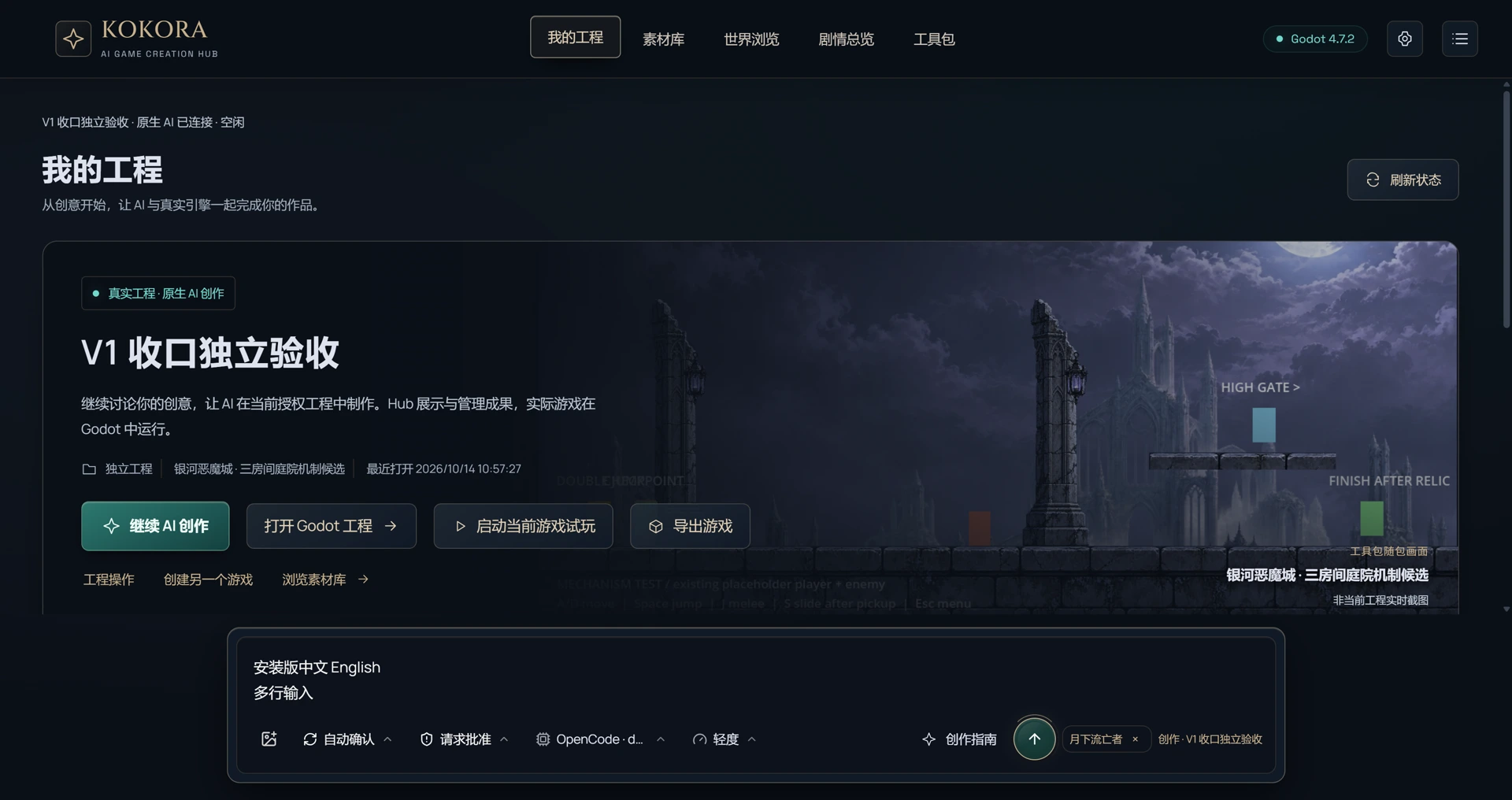
My projects
Create, switch and manage registered game projects.
KOKORA is a free AI game creation workbench. Describe your idea and let AI help build scenes, place characters and change gameplay, with the results saved in your own Godot project.
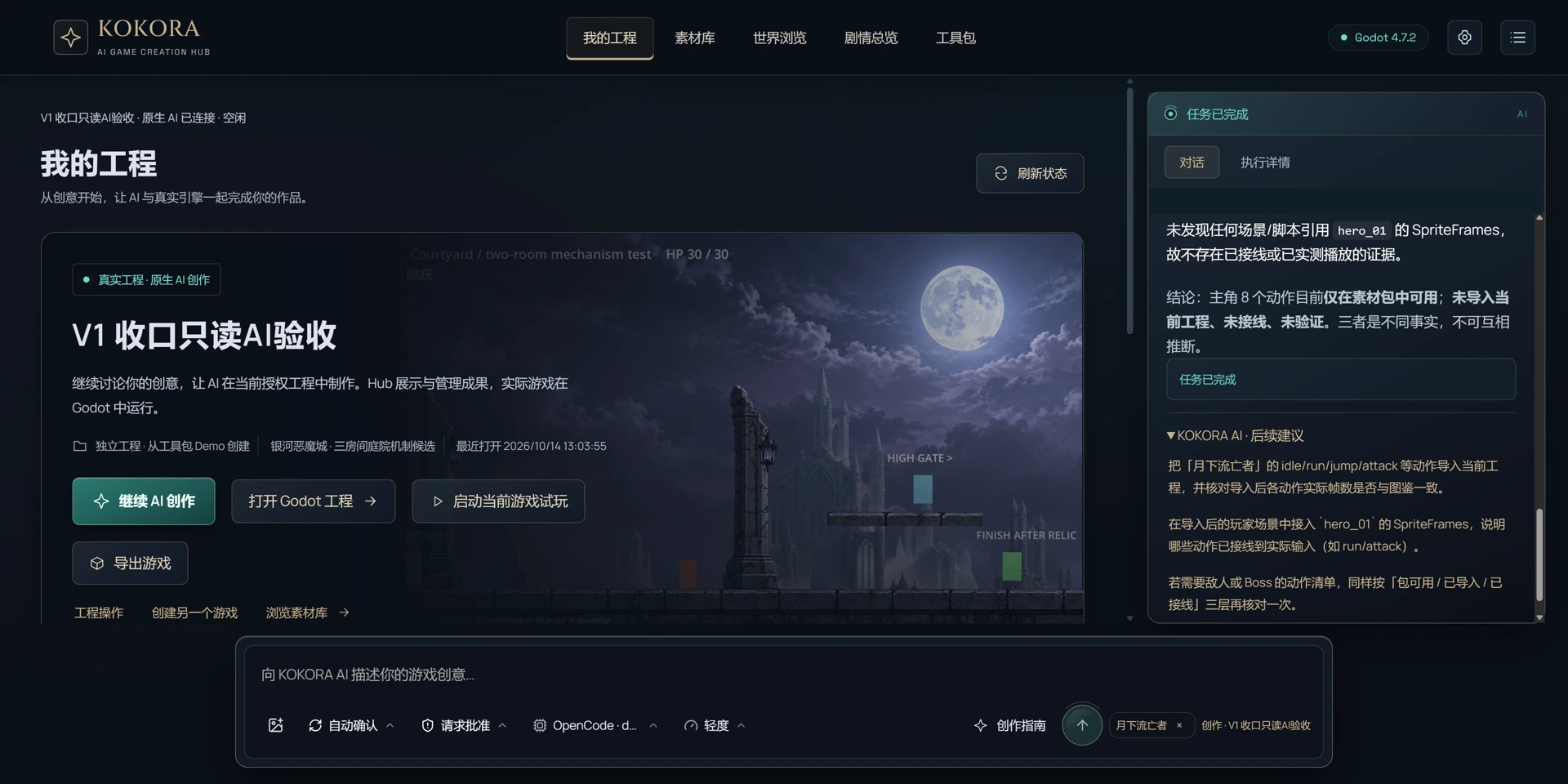
Choose a game project and tell AI what to add, where it belongs and how it should work. AI can import assets, edit scenes and scripts, and check them with Godot. You configure your own model provider and API key.
Windows 1.0.11 Beta · app interface in Chinese only
Explore the Beta ↗Create, switch and manage registered game projects.
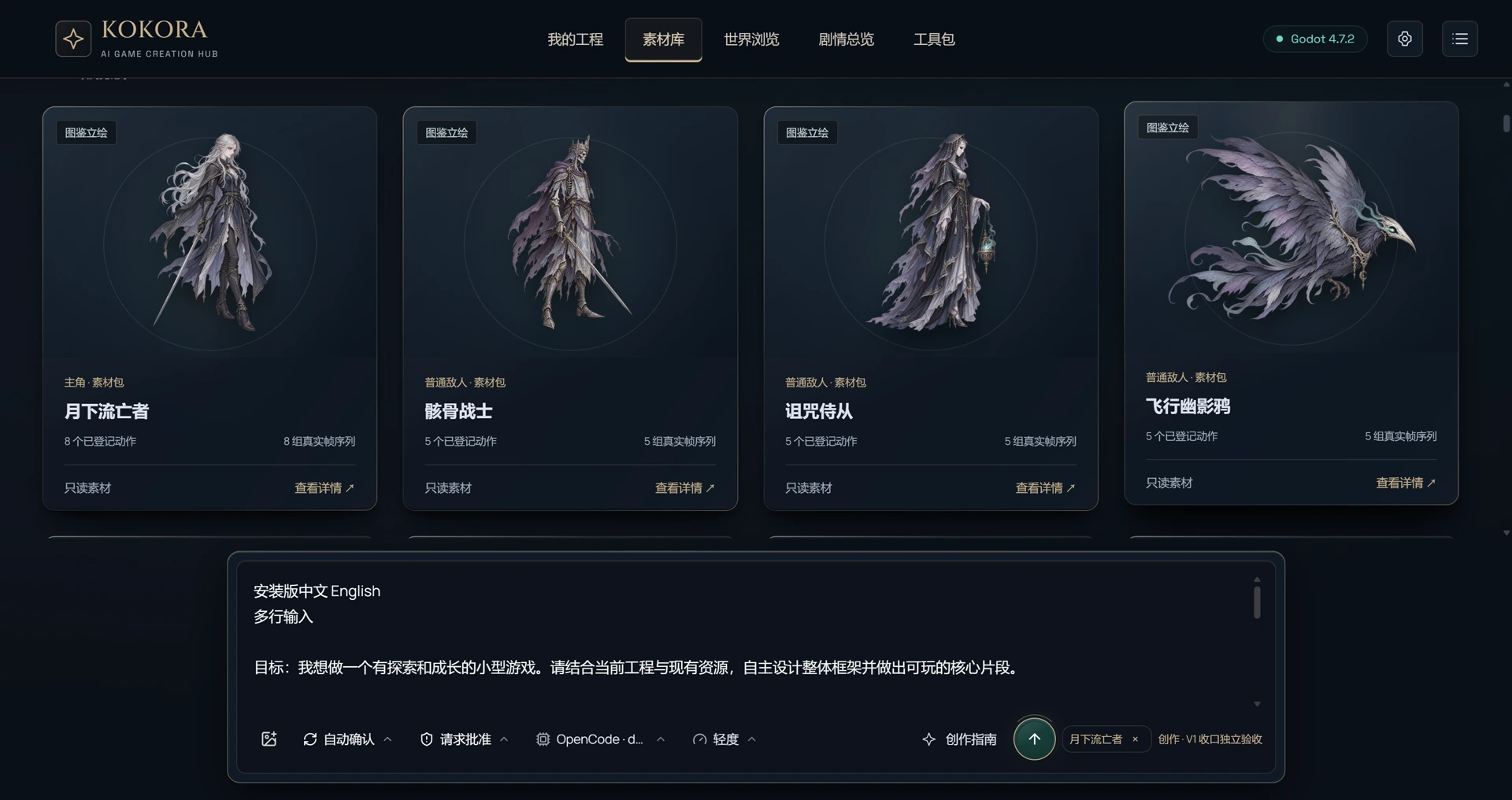
Discover pack resources, inspect animations and reference assets.
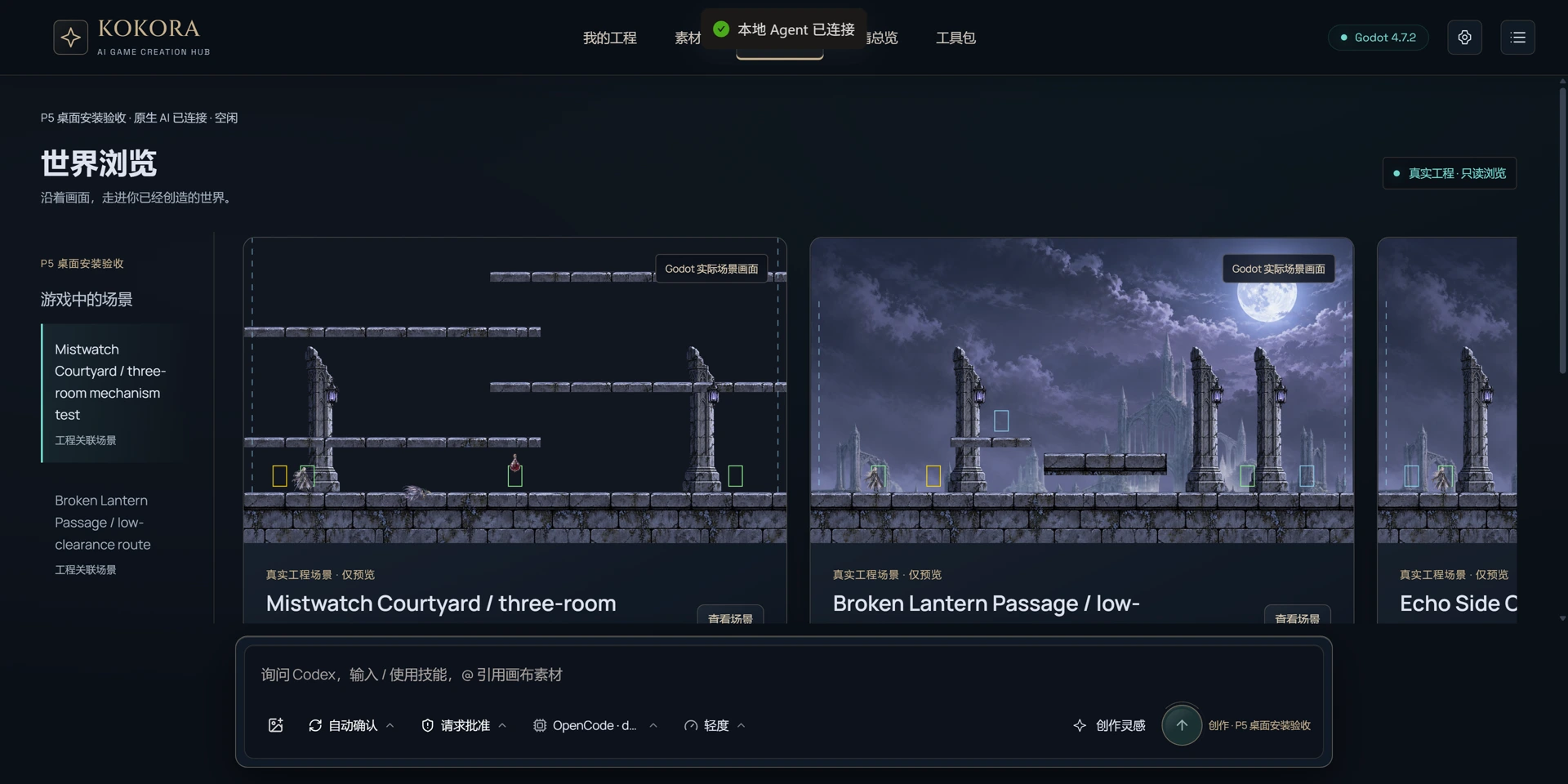
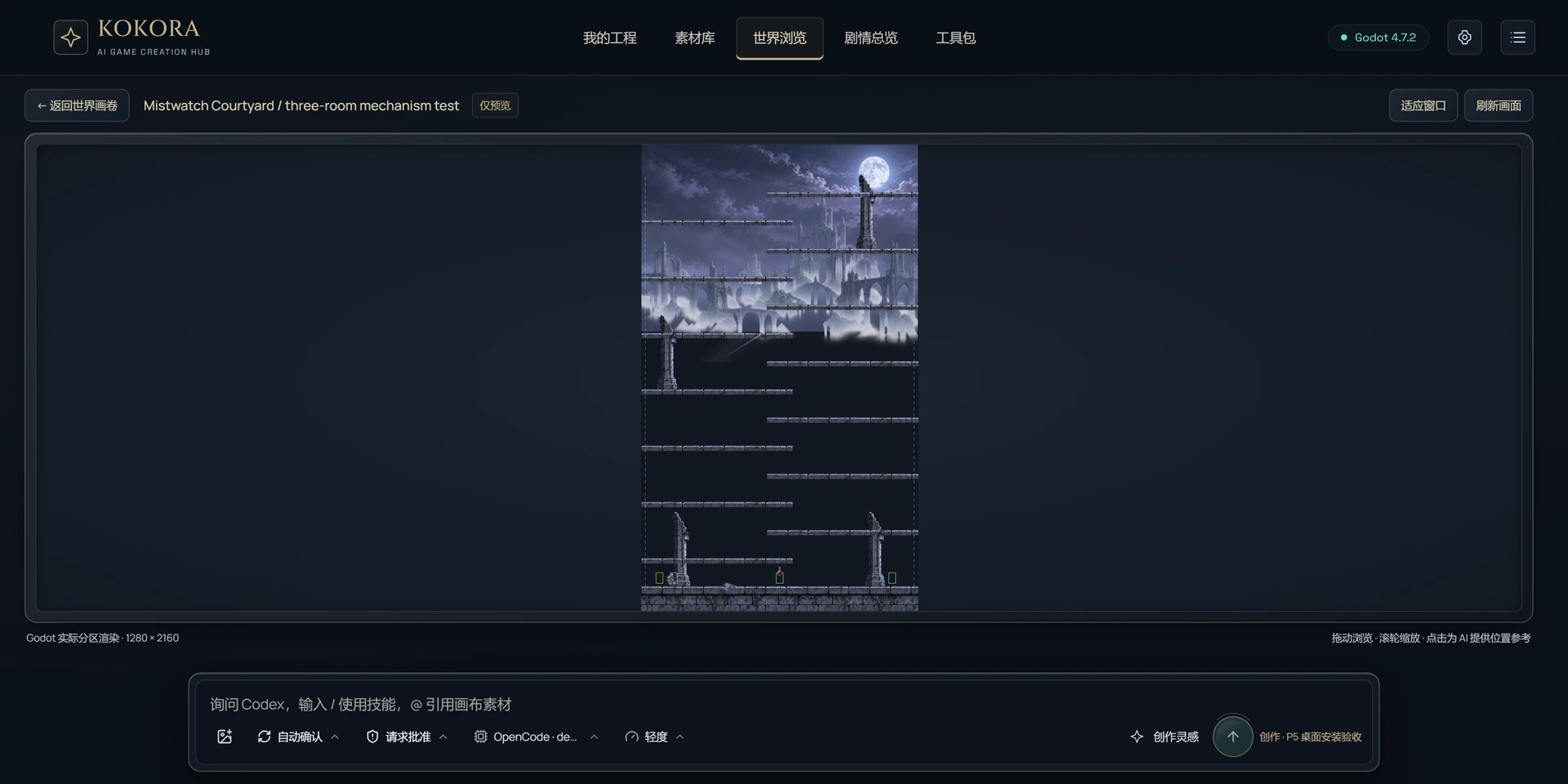
Browse actual Godot scene captures without inventing world connections.
View story already in the game separately from written drafts. No chapters are invented for a game without story.
Install gameplay toolkits and explore their features, AI instructions and demos.
Describe what you want. AI makes changes in the game project you select.
Scenes, scripts and assets stay in your Godot project, ready to open, edit and run.
Combine an asset pack with your own imports and resources already in the game.
Check the changes and playtest when possible. Anything not run is clearly marked as unverified.
Select a position in World View and tell AI what you want there. AI uses the scene information to edit the game. Results distinguish saved file changes, Godot checks and actual playtests. Stopping a task does not undo saved changes; inspect the work first.