Build a connected quest chain
Turn separate interactions into a clear sequence of goals.
Adapted from KOKORA's existing creation guides
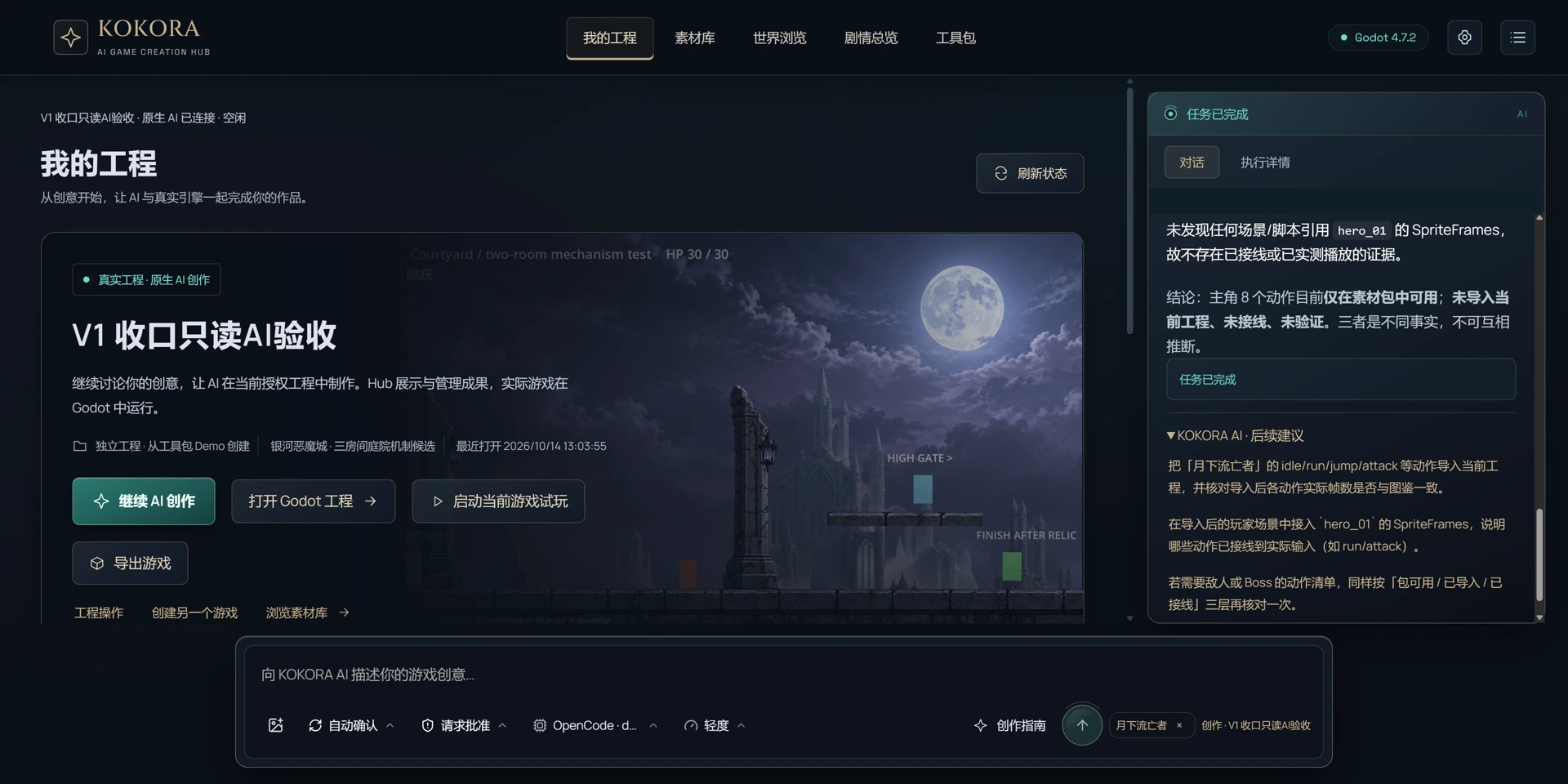
The KOKORA Windows app currently uses Chinese. These are real Chinese UI captures; earlier versions are labeled. Click an image to enlarge it.
Before you start
Starting point, key characters or items, objective and existing events.
What to do next
Inspect event states and implement a coherent quest with conditions, feedback and an ending.
A request you can use
Design a short coherent quest chain the player can actually complete, with visible results at each step.
 Enlarge ↗
How to verify the result
Check ordering, repeated interaction, skipped steps and scene re-entry. A story document alone is not an implemented quest.
Note
Start with a new test game to protect existing work. Check what is in the asset pack, what has been imported and what is actually used in the game. Review after saving and playtest when possible.