Make a larger game revision
Change the experience while preserving the work you need.
Adapted from KOKORA's existing creation guides
The KOKORA Windows app currently uses Chinese. These are real Chinese UI captures; earlier versions are labeled. Click an image to enlarge it.
Before you start
Goal, elements to retain, permitted scope and references.
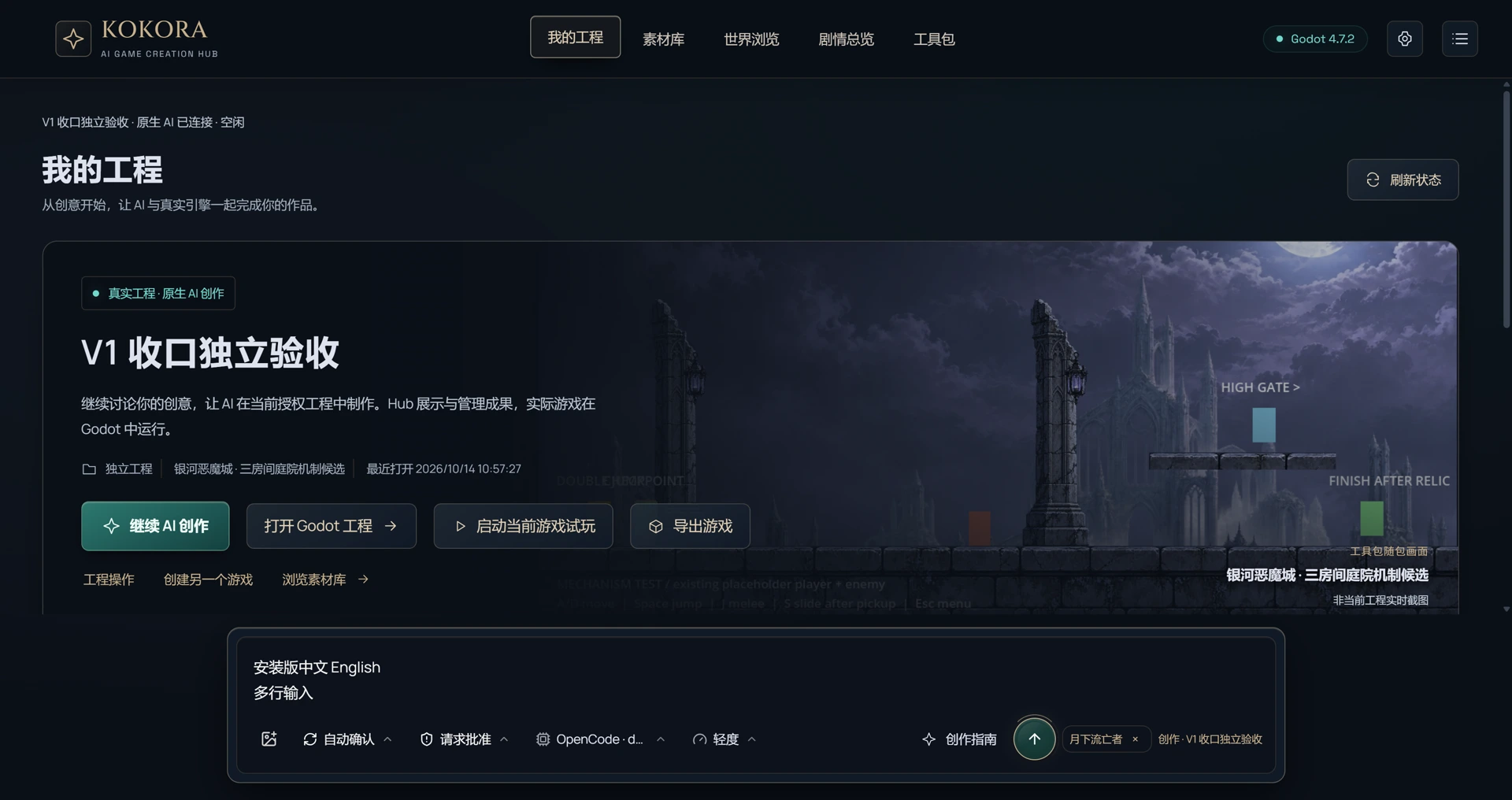 Enlarge ↗
What to do next
Inspect relevant implementations, protect retained content, break down necessary changes and implement them in the actual project.
A request you can use
Revise this game for my new goal. Preserve the specified content and actually update the scenes and scripts.
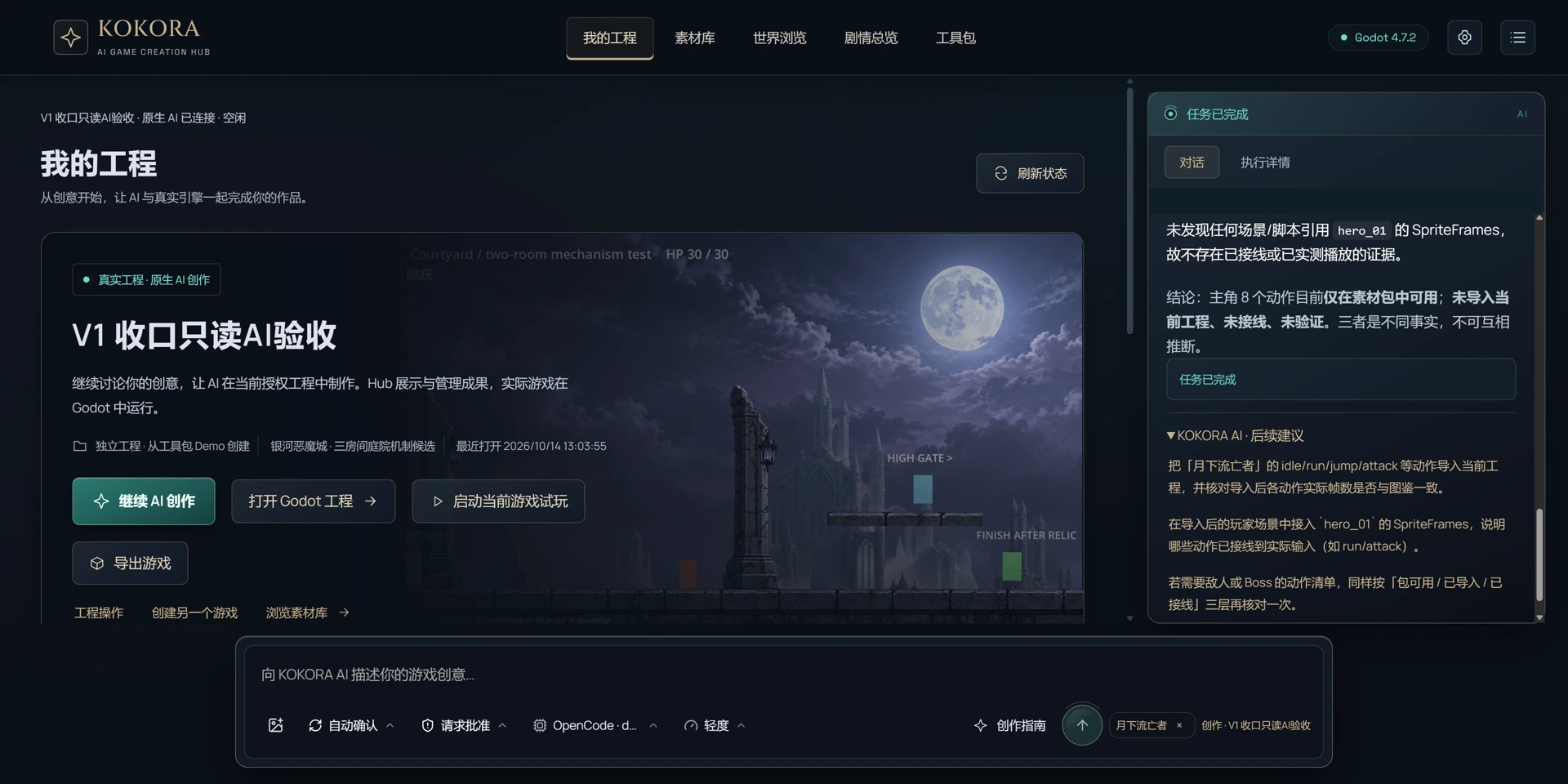 Enlarge ↗
How to verify the result
Report scope and incomplete work; regress key gameplay, references and save behavior.
Note
Start with a new test game to protect existing work. Check what is in the asset pack, what has been imported and what is actually used in the game. Review after saving and playtest when possible.