Fix one local detail
Change a small problem while keeping everything else intact.
Adapted from KOKORA's existing creation guides
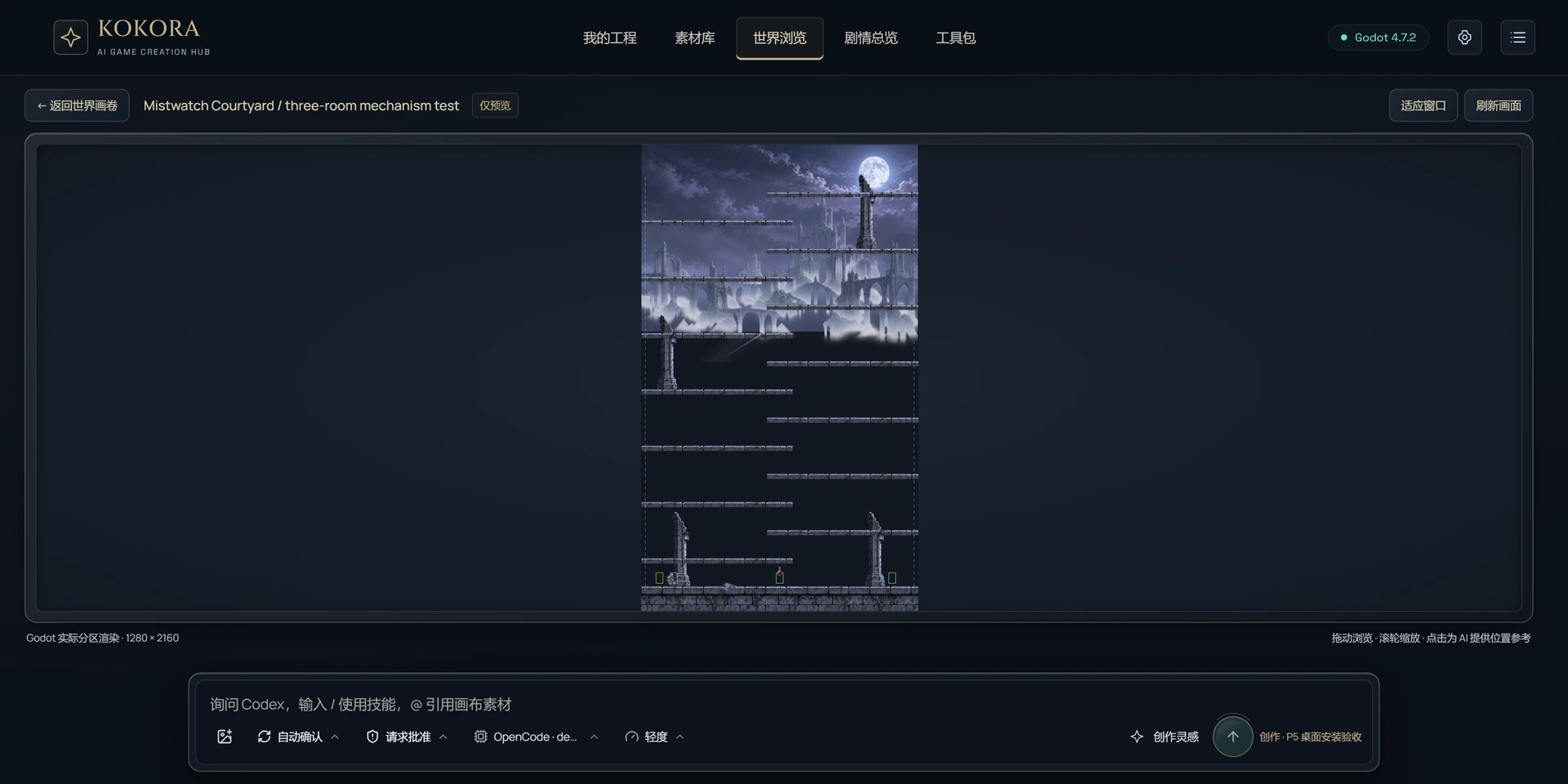
The KOKORA Windows app currently uses Chinese. These are real Chinese UI captures; earlier versions are labeled. Click an image to enlarge it.
Before you start
Object, scene, intended change and what must stay unchanged.
 Enlarge ↗
What to do next
Read the exact object, locate the smallest necessary change and edit only related files.
A request you can use
Fix only this local problem. Preserve all unrelated visuals and gameplay.
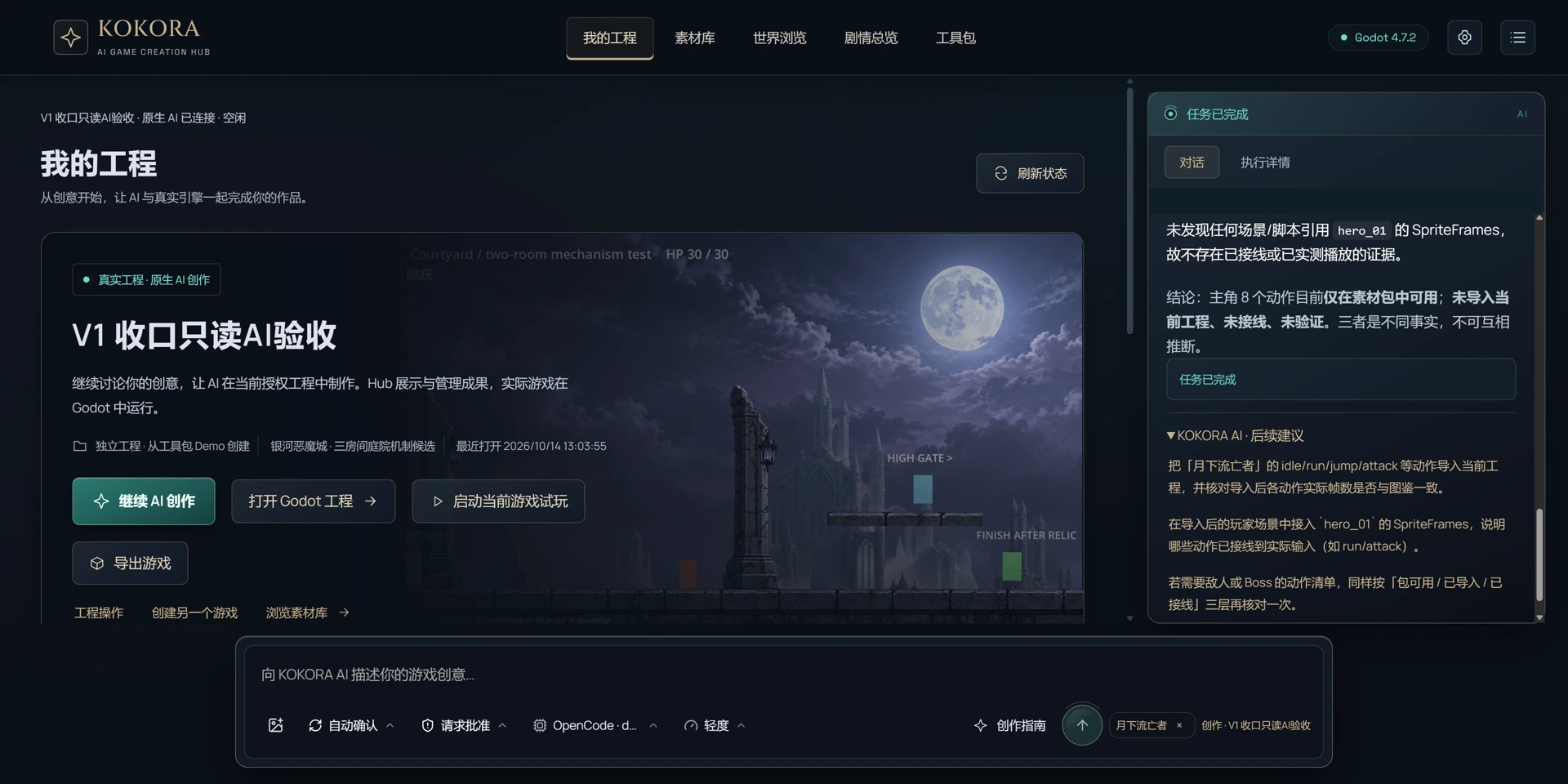 Enlarge ↗
How to verify the result
Confirm the target issue, provide an accurate small file list and do not overwrite user work.
Note
Start with a new test game to protect existing work. Check what is in the asset pack, what has been imported and what is actually used in the game. Review after saving and playtest when possible.